
 Mac
01 / TRYEVERY FEATURE
Free 7-day trial
$0USD · 7 days
Every feature for 7 days. Just your email, no card.
Loading Creators Packs
Scan a QR code, pick your clips, and they land in a Phone Drop bin in Premiere Pro, After Effects or DaVinci Resolve. Over your own Wi-Fi, no app on the phone, no cloud.
Open the email on your Mac or PC to install.
 READY FOR THE NEXT TAKE
$0USD · 7 days
Every feature for 7 days. Just your email, no card.
$19once · USD
One-time purchase. No subscription. Your key arrives by email right after checkout. Works on 2 computers.
After the trial, Phone Drop asks for Pro before it receives new files. Your files, bins and settings all stay.
How to install (step by step)No subscription All updates included Works on 2 computers.
Your phone is the camera. Your computer is the hand-off. The network in between is yours.
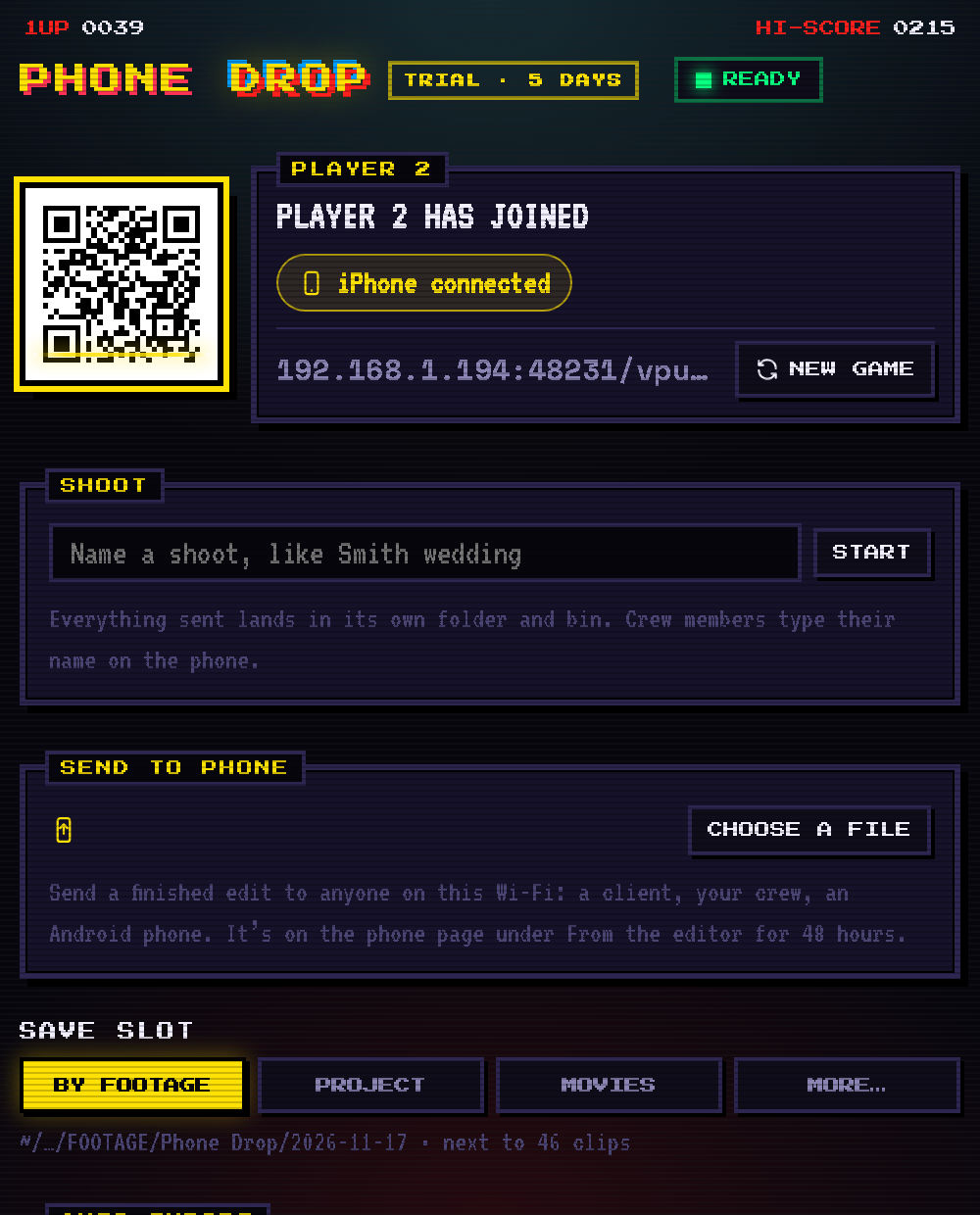
Point your phone’s camera at the QR code in the panel. The Phone Drop page opens in the phone’s browser. Nothing to install on the phone.
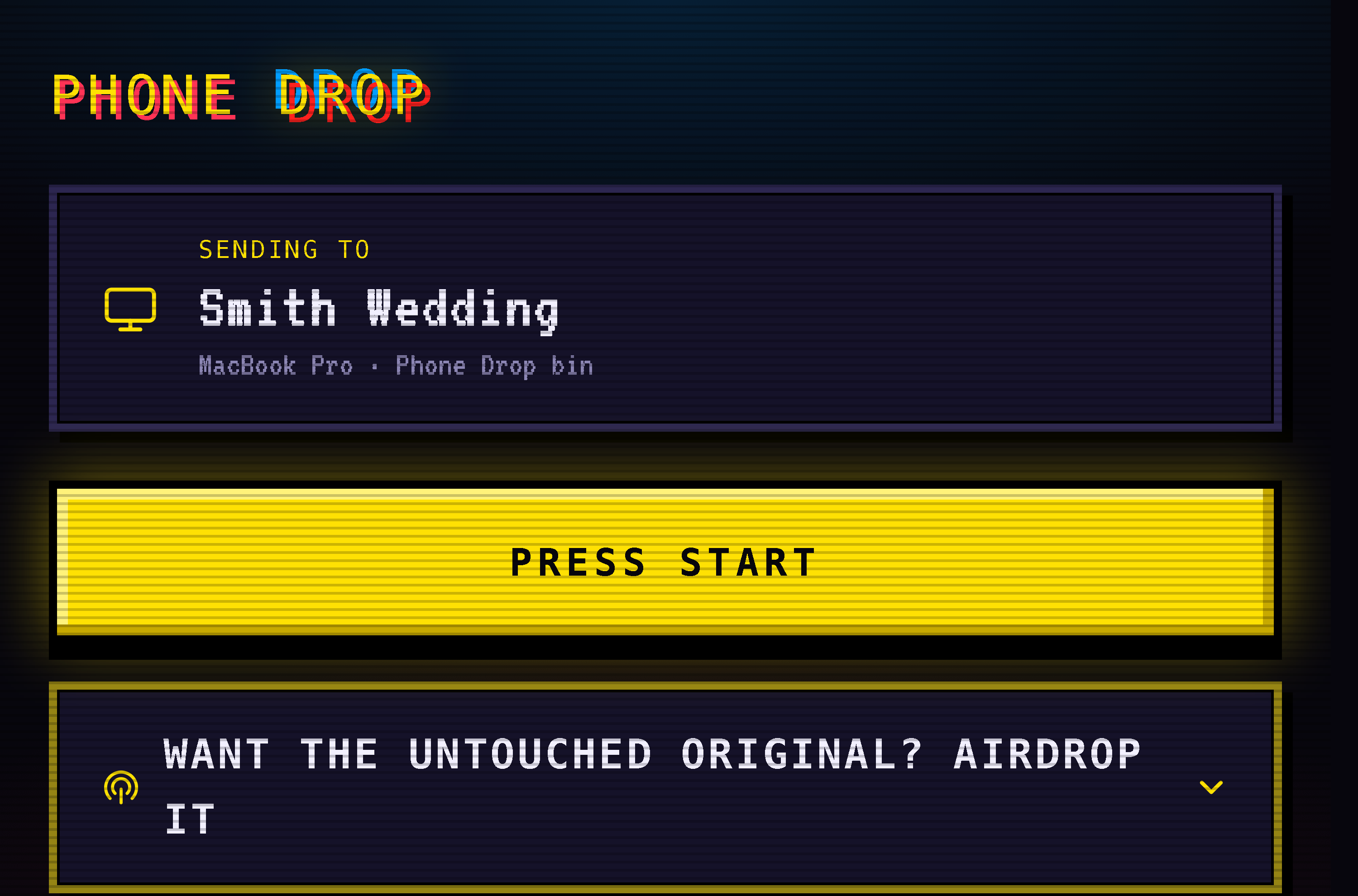
Tap PRESS START and choose videos and photos. They send over your Wi-Fi, straight to your computer.
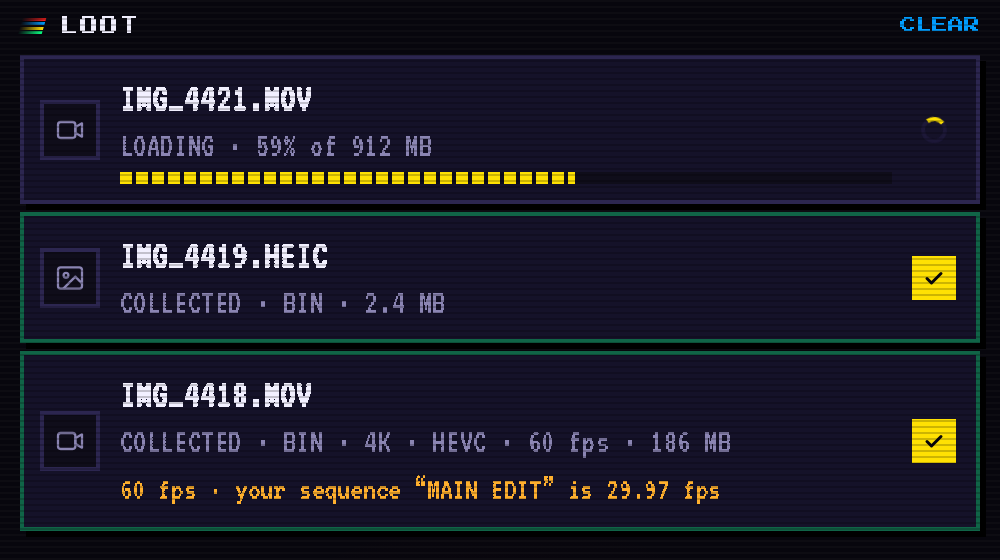
Each file is saved next to your footage and imported into a Phone Drop bin. Phone Drop warns you if a clip’s frame rate doesn’t match your sequence.
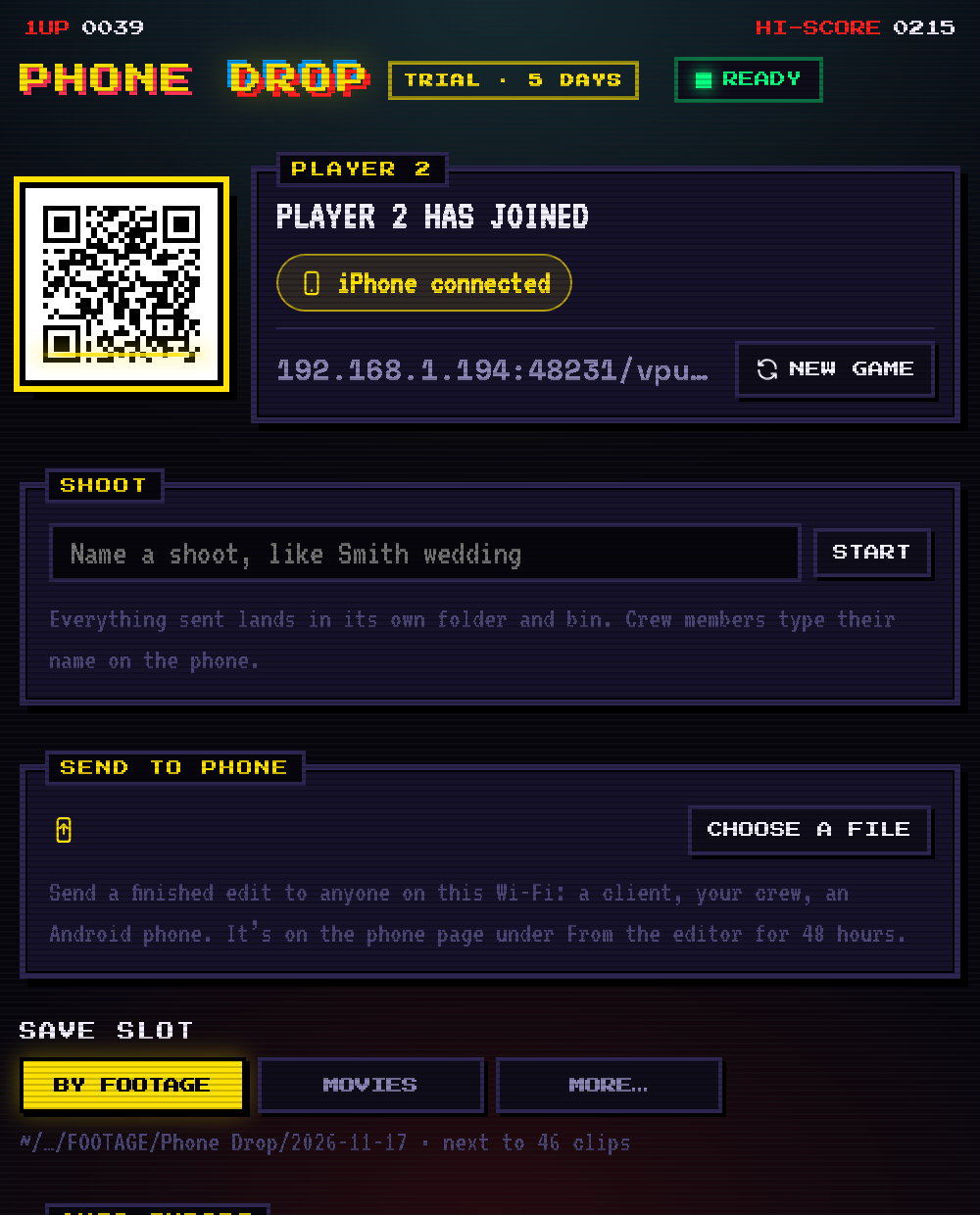
Name a shoot and everything lands in its own folder and bin. Crew members type their name on the phone and get their own.
Phone Drop never re-encodes. AirDrop or Quick Share a clip and it comes in untouched, automatically.
Drop new clips at the playhead, or onto a Selects sequence for the shoot.
Pick a finished edit and anyone on the Wi-Fi can save it from the phone page: a client, your crew, an Android phone.
Premiere Pro, After Effects and DaVinci Resolve Studio, on Mac and Windows. Open more than one and each file goes to the one you’re using.
Files go from your phone to your computer over your own network. Nothing is uploaded and Creators Packs never sees them.
Same hand-off. Pick the tool you’re cutting in.
Seven days. Every feature. No card.
Your phone and computer need to be on the same Wi-Fi. It doesn’t work over mobile data or a guest network that blocks devices.
Picking from Photos in a browser can send a re-encoded copy. For the untouched original, AirDrop it (Mac) or save it to Files first (Windows).
Works through a browser page and an import script. The full panel needs Resolve Studio.
Phone Drop runs on a Mac or Windows PC, not on tablets or phones.
Know what happens on the phone, on the network, and after your trial.
No. You scan a QR code and the Phone Drop page opens in the phone’s browser. iPhone and Android both work.
Into a Phone Drop folder next to the footage your project already uses (or next to the project, or any folder you pick), and into a Phone Drop bin in your editor.
Phone Drop never re-encodes anything. If your iPhone sends a smaller copy from the Photos picker, Phone Drop tells you and shows how to send the original.
Premiere Pro 25.6 or newer, After Effects 2022 or newer, and DaVinci Resolve (the full panel in Studio, a browser page and import script in the free version). Mac (macOS 12+) and Windows 10/11.
Phone Drop asks for Pro before it receives new files. Everything you already sent, your bins and your settings stay exactly as they are.
Buy Pro and your key arrives by email. Paste it under Account in the panel and press Activate.
One purchase works on 2 computers, Mac or Windows. You can move it by deactivating one.
No. $19 once, and every update is included. Phone Drop updates itself from inside the panel.
Yes. Files travel from your phone to your computer on your own network. They’re never uploaded anywhere.
Yes. Anyone you allow on the same Wi-Fi can scan the code. Start a shoot and each person gets their own folder and bin.
Questions? support@creatorspacks.com